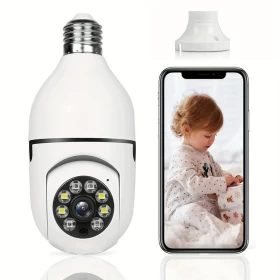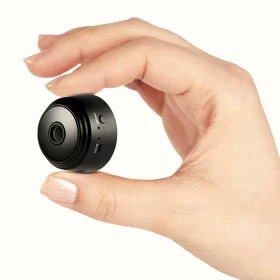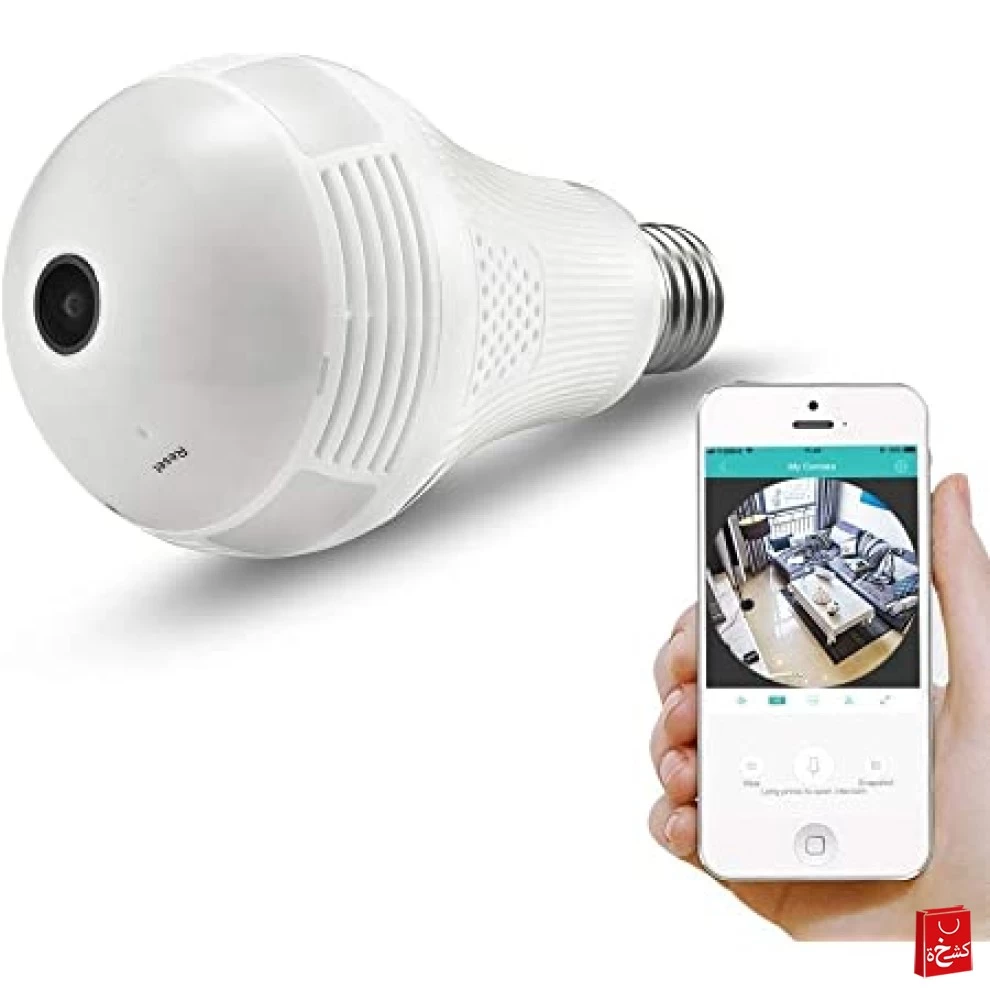
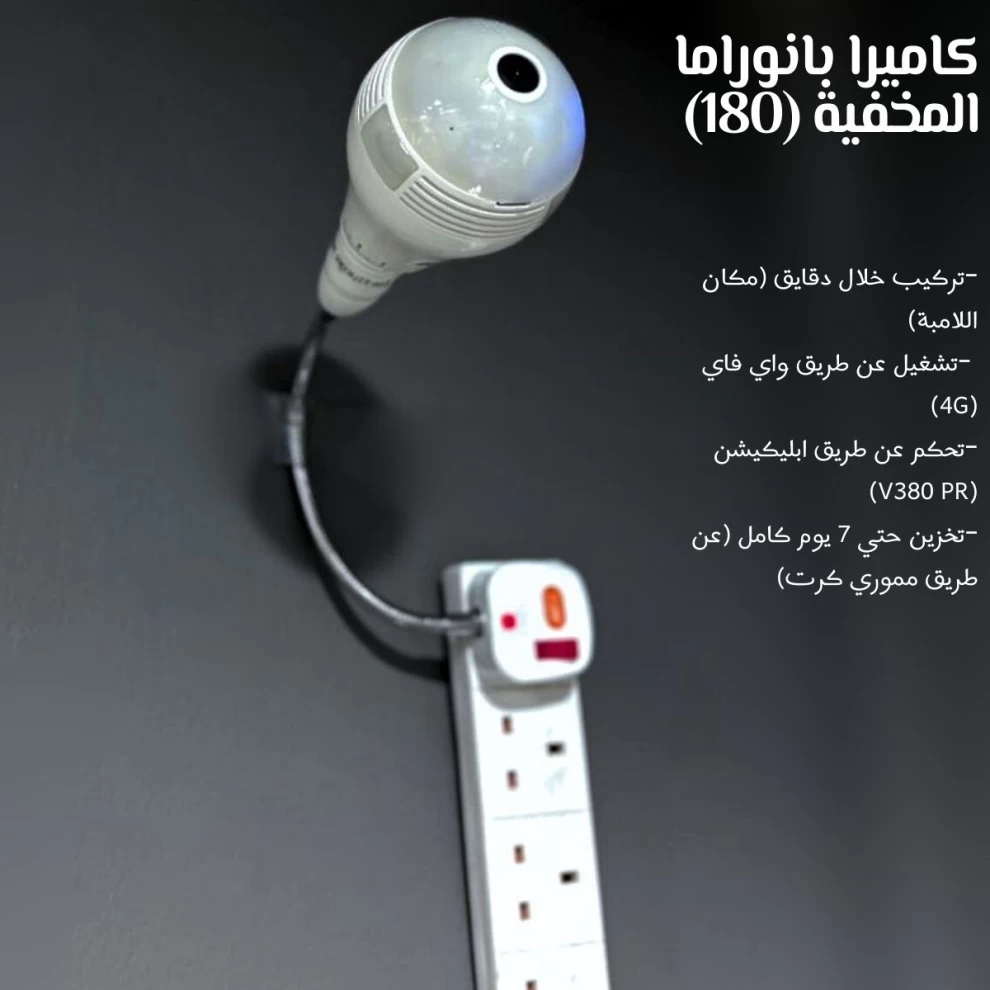
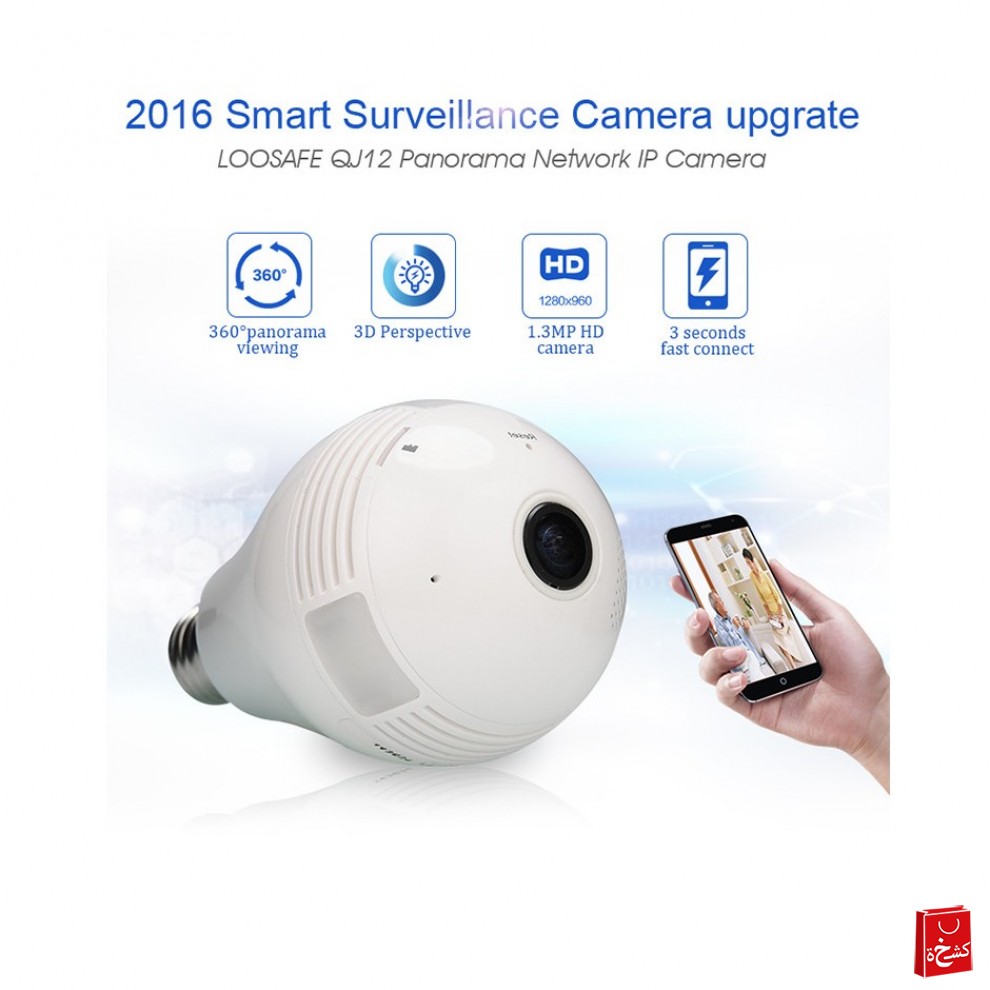
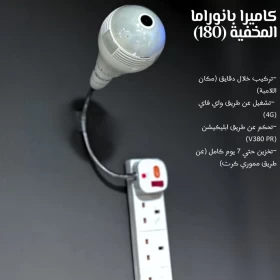
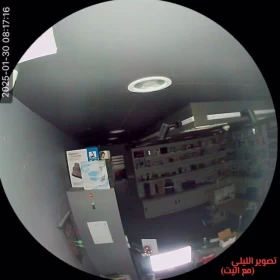
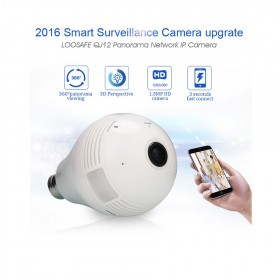
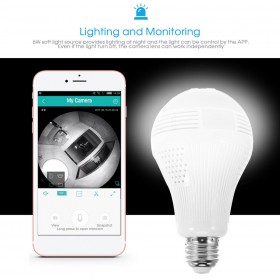




💡 180° Fisheye Panoramic Wi-Fi LED Bulb Camera – Smart & Discreet Home Security 🎥🔊
Experience a smarter, safer space with this cleverly designed LED bulb camera! 💡🔐
It combines lighting and security monitoring in one discreet device — perfect for homes 🏠, offices 🏢, shops 🛍️, or any area where subtle surveillance is needed.
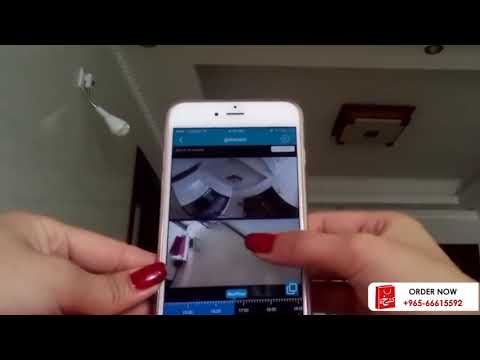
Simply screw it into any standard light socket and connect it to the V380 Pro app 📱. Whether you’re traveling, at work, or relaxing, you’ll always have eyes on what matters.
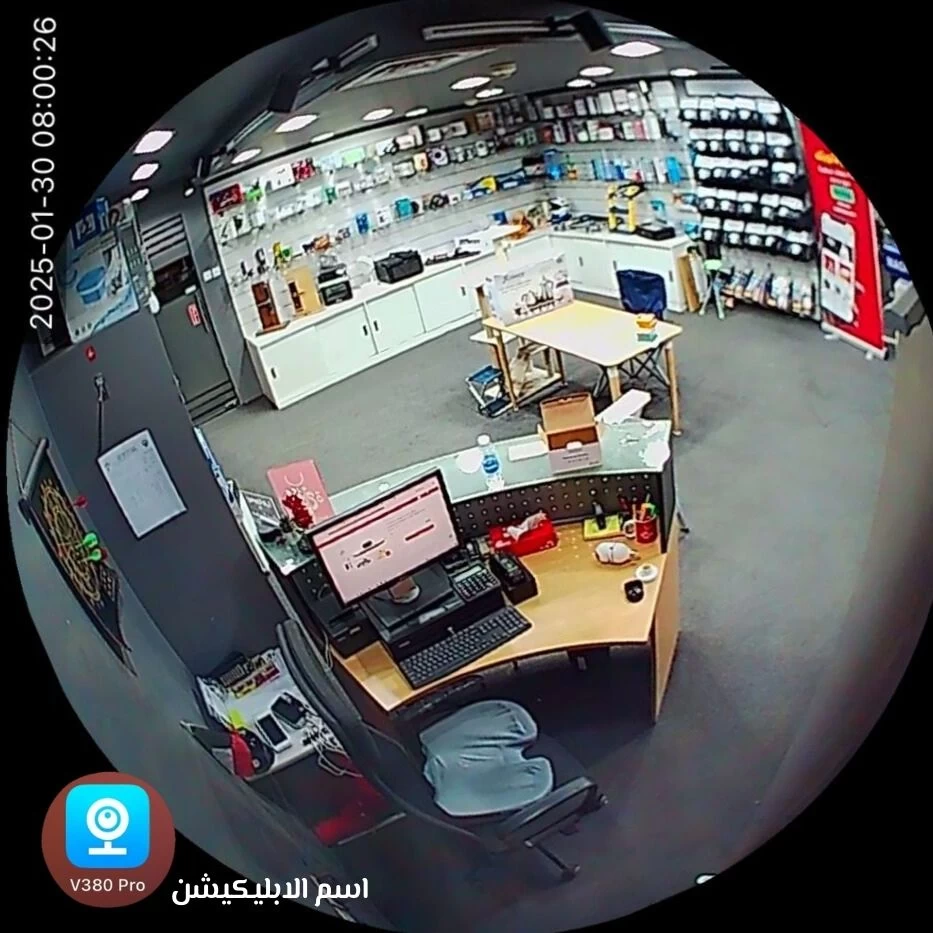
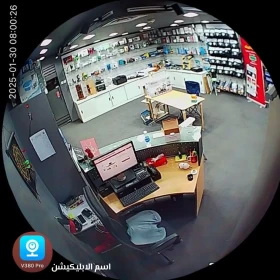
With a wide 180° panoramic view 👁️, real-time motion detection 🛎️, and two-way audio 🎙️, this bulb camera is your smart, all-in-one monitoring solution!
✅ Features:
• 📶 4G Wi-Fi Support – Connects to 2.4GHz Wi-Fi (❌ not compatible with 5G).
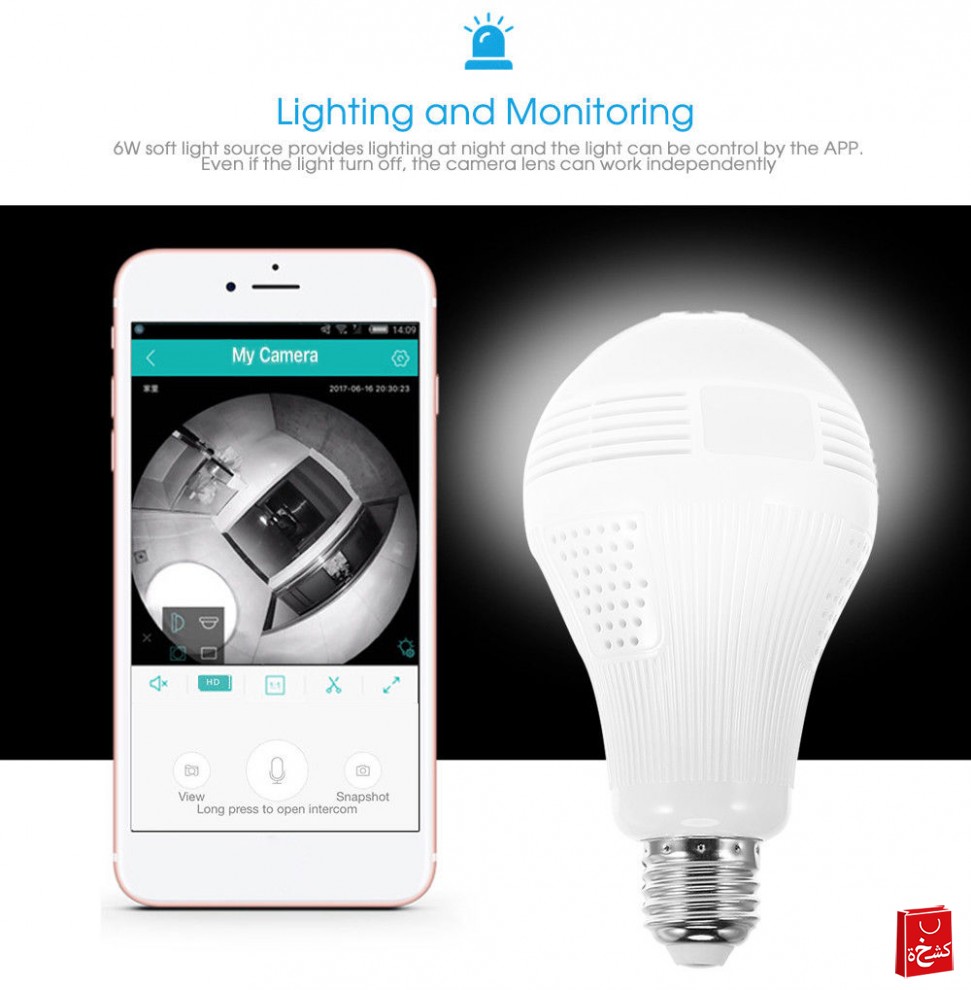
• 🎙️ Two-Way Audio – Talk and listen remotely through the app.
• 🛎️ Motion Detection Alerts – Instant notifications when movement is detected.
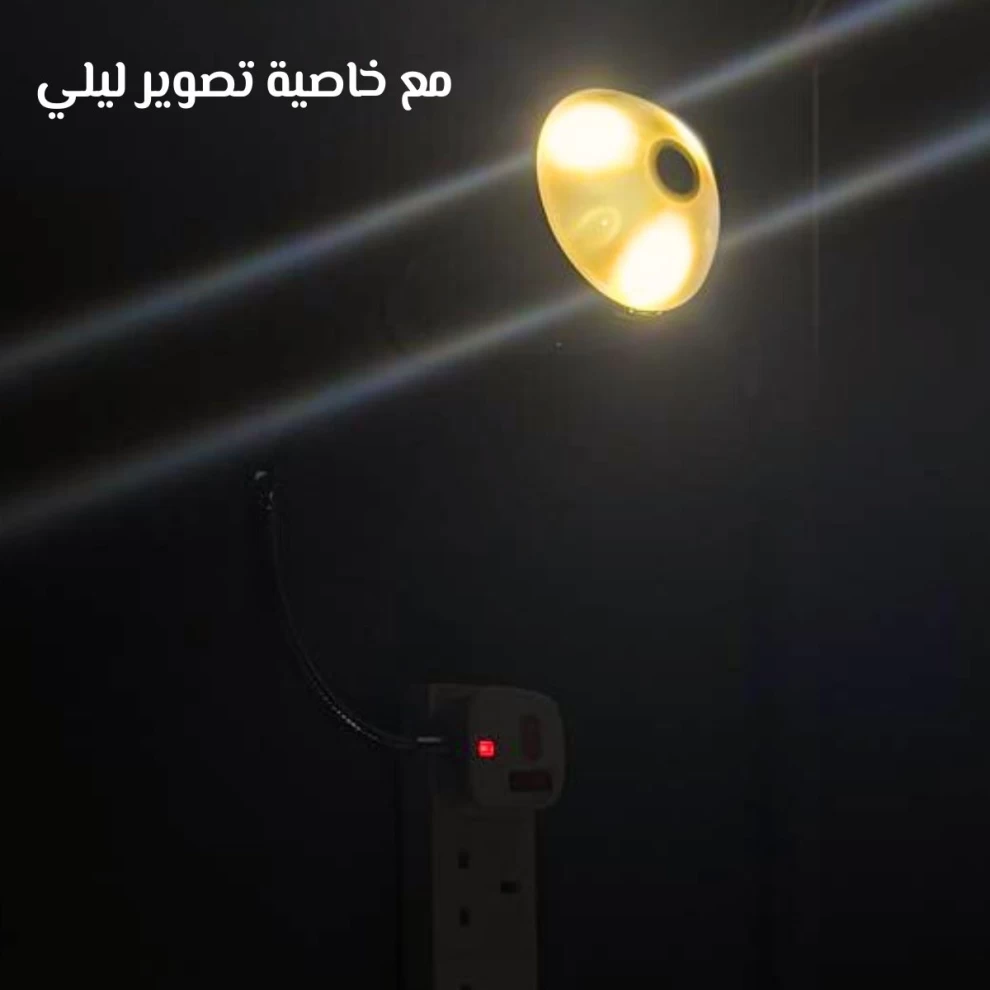
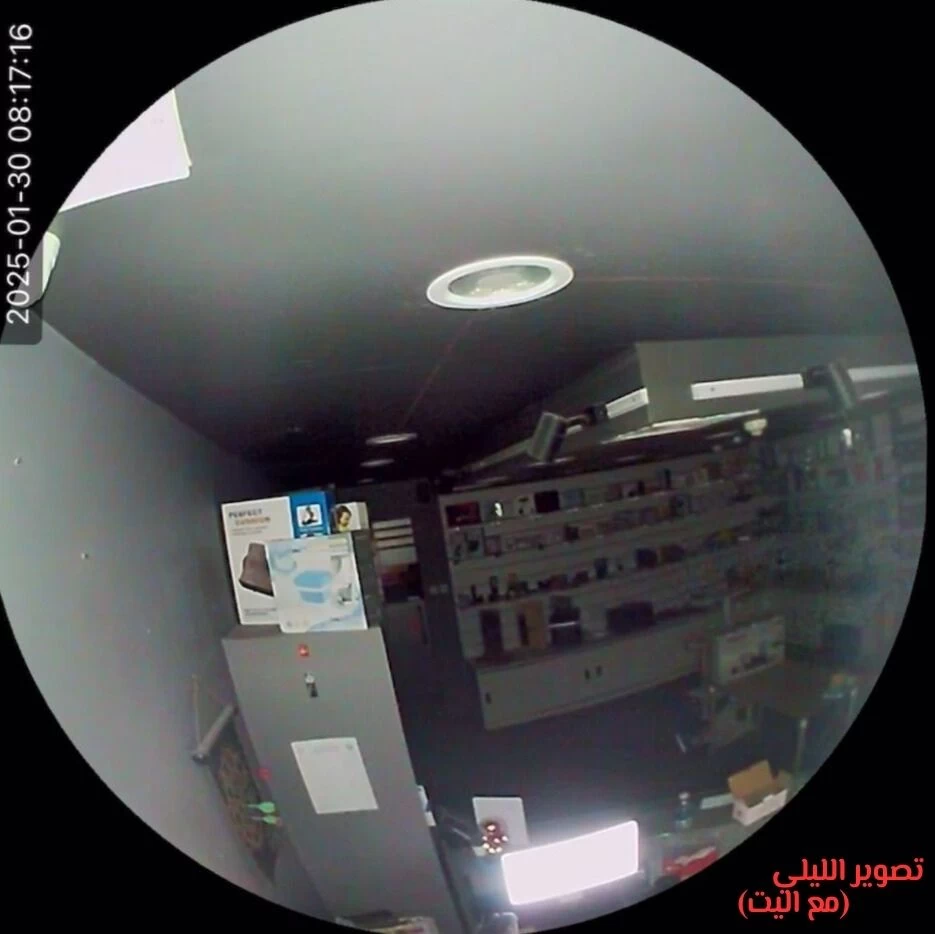
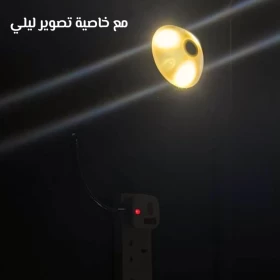
• 🌙 Night Vision with LED – Clear view even in total darkness.
• 🔭 180° Panoramic View – Wide-angle fisheye lens for full room coverage.
• 🌀 3D Viewing Experience – Immersive, dynamic camera angles.
• 💡 Easy Installation – Just like screwing in a regular light bulb!
📏 Specifications:
• 🎥 Video Resolution: 480p
• 👁️ View Angle: 180°
• 🔊 Audio: Two-way communication
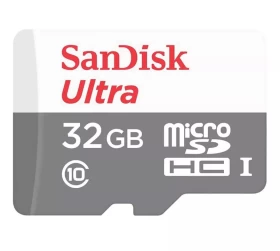
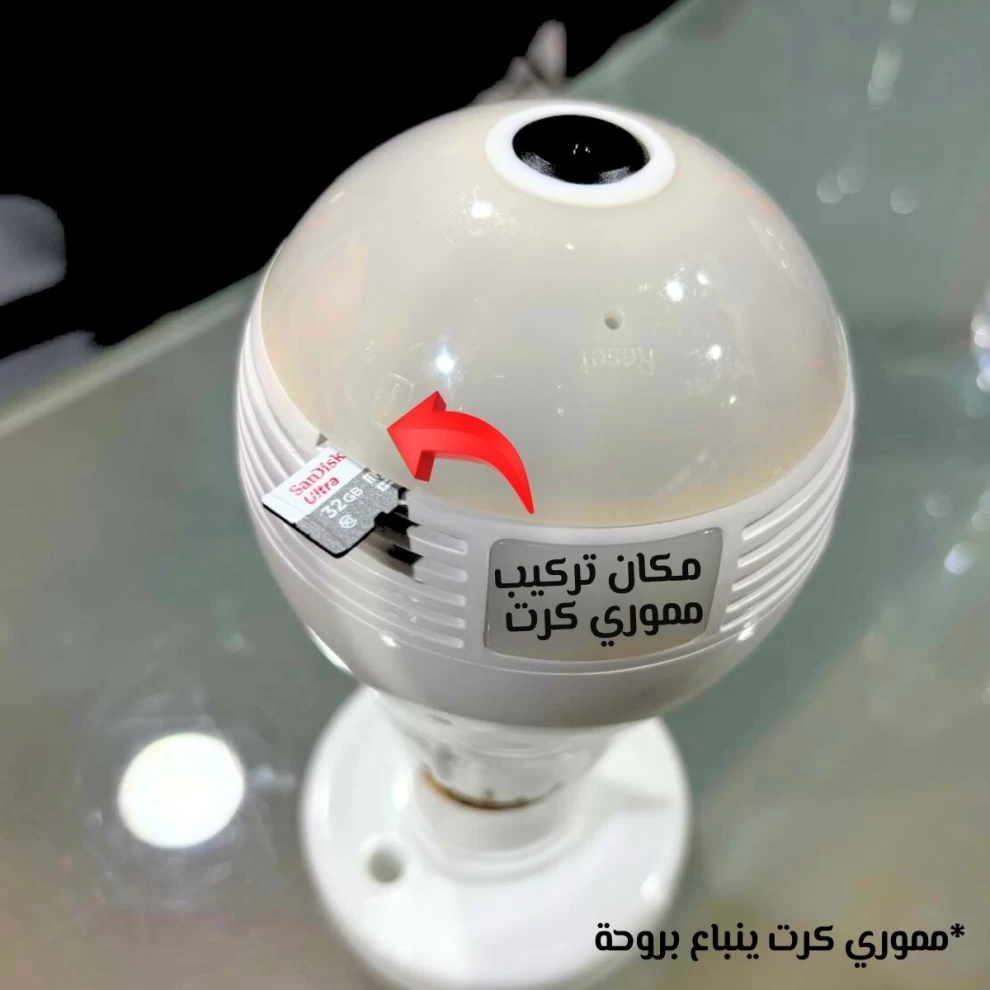
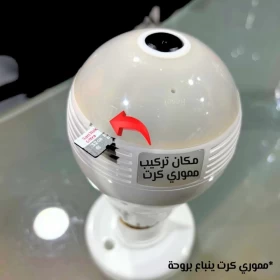
• 💾 Storage: Supports microSD cards up to 32GB
• 🛡️ Warranty: 30 days
• 📱 App: V380 Pro
• 🌐 Connectivity: Wi-Fi (2.4GHz / 4G only – no 5G support)
🔧 Installation Guide:
1. 💡 Install the Bulb Camera:
Screw the camera into a standard E27 bulb socket. If needed, you can use a lamp holder (not included).
2. 🔌 Power On:
After turning on the power, a red light appears and a voice prompt plays. Within a minute, a blue light appears with the message: “Access Point Ready.”
3. 📲 App Setup:
• Connect your phone to a 2.4GHz Wi-Fi network.
• Download the V380 Pro app.
• Tap Add Camera → Wi-Fi Camera → AP Hotspot Connection.
• Go to your phone’s Wi-Fi settings and connect to the camera’s network (usually starts with MV or AV).
4. ✅ Final Connection:
• Return to the app, confirm you see “AP Hotspot Connected” in orange.
• Tap Confirm and wait 2–3 minutes for full setup.
Your camera is now live! 🎉
⚠️ Important Notes:
• ❌ Not compatible with 5G Wi-Fi networks.
• 📶 Make sure your Wi-Fi signal is strong near the camera.
• 💾 Use a genuine microSD card (max 32GB) for stable recording.
• 🛑 Indoor use only – avoid exposure to moisture.
• 👁️ Do not stare directly into the lens while powered on.
• 🌐 App supports multiple languages, including Arabic.
❓ Frequently Asked Questions:
Q: Is a memory card included?
A: No, but you can use any MicroSD card up to 32GB. We recommend SanDisk Ultra.
Q: Can I use it without a subscription?
A: Yes. Use a MicroSD card for local recording if you prefer not to subscribe to cloud storage.
Q: Is the app free?
A: Yes, the YsxLite app is completely free to use for live view and settings. Only cloud storage requires a subscription.
Q: Can I access the camera from another country?
A: Absolutely! As long as the camera is connected to Wi-Fi, you can access it from anywhere via the app.
🚚 Same-Day Delivery in Kuwait!
Order now and receive it today!
📲 Contact us on WhatsApp: +965-94192932
30 Days