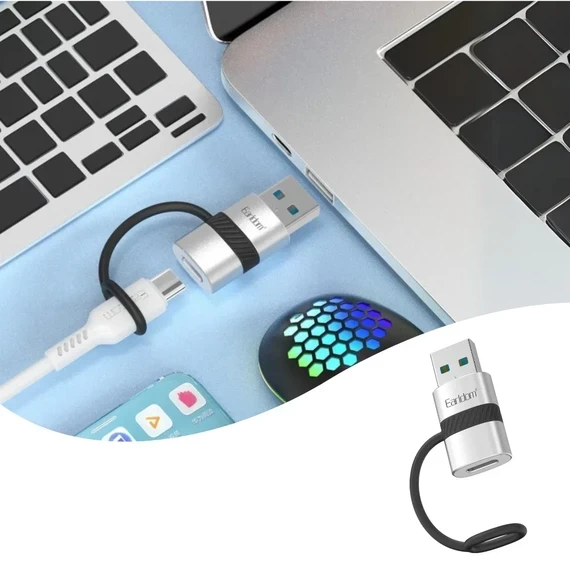
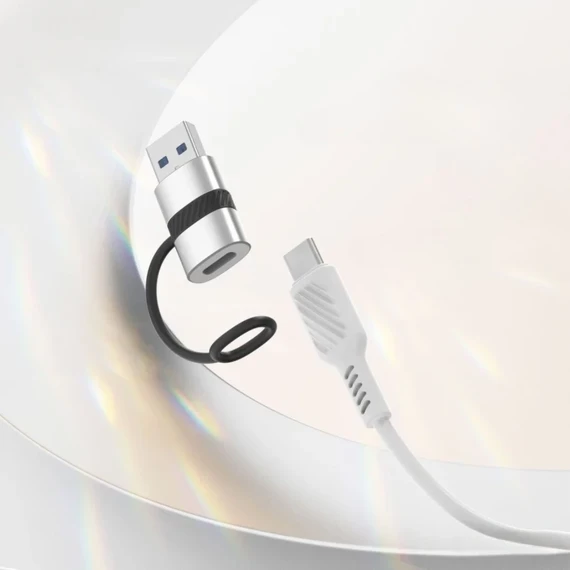
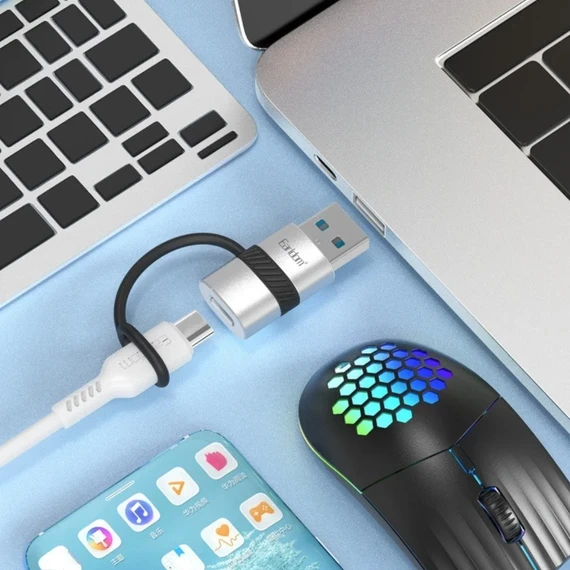
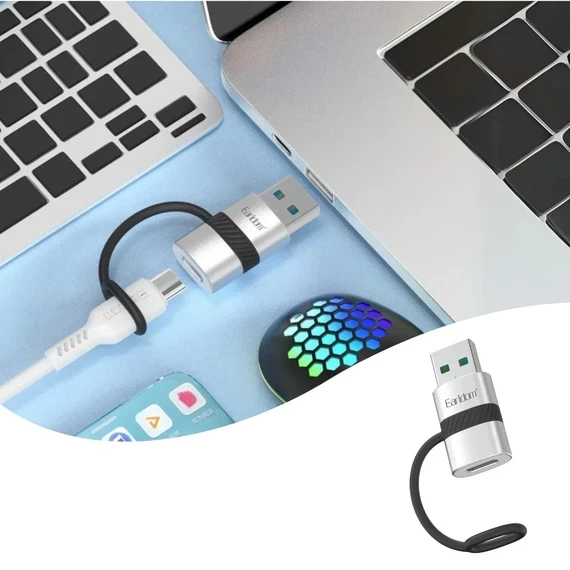
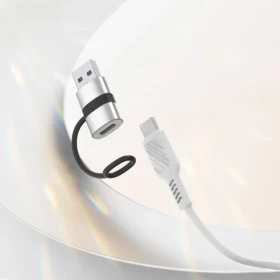
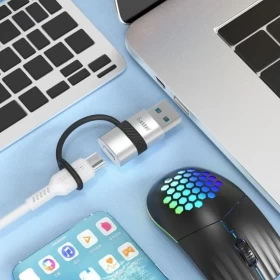
🔌💻 Earldom OT91A USB Type-C to USB 3.0 OTG Adapter
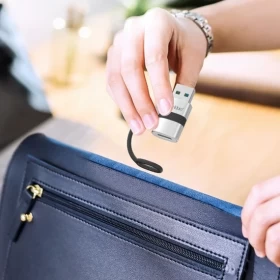
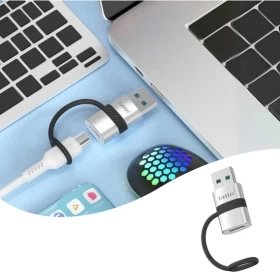
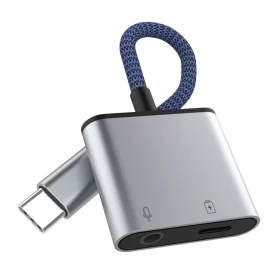
Expand the functionality of your USB Type-C devices with the Earldom OT91A Type-C to USB 3.0 OTG Adapter. This compact adapter allows you to connect USB flash drives, keyboards, mice, game controllers, card readers, and other USB devices directly to compatible USB-C smartphones, tablets, and laptops. Featuring USB 3.0 high-speed data transfer, it's the perfect accessory for work, study, travel, and everyday use.
💡 Benefits
-
⚡ USB 3.0 High-Speed Data Transfer
-
📱 USB Type-C OTG Compatibility
-
💻 Connect USB Flash Drives & Accessories
-
⌨️ Supports Keyboard & Mouse Connection
-
🎮 Compatible with USB Game Controllers
-
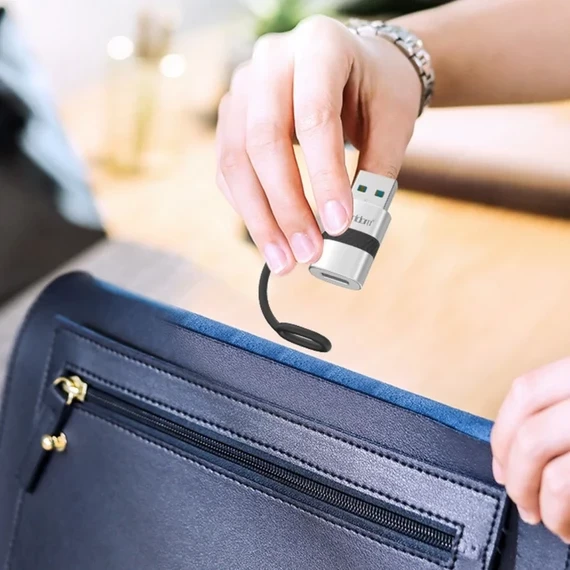
👜 Compact & Portable Design
-
🔌 Plug-and-Play Operation
-
💪 Durable Construction for Daily Use
📊 Specifications
-
🏷️ Brand: Earldom
-
🔢 Model: OT91A
-
📦 Product Type: USB Type-C to USB 3.0 OTG Adapter
-
🔌 Input Connector: USB Type-C (Male)
-
🖥️ Output Connector: USB 3.0 Type-A (Female)
-
⚡ Function: OTG Data Transfer & USB Device Connection
-
🛠️ Material: Durable ABS & Metal
-
🎨 Color: As per manufacturer
🔄 Compatibility & Usage Notes
-
📱 Compatible with USB Type-C smartphones, tablets, and laptops that support OTG.
-
💾 Supports USB flash drives, keyboards, mice, card readers, and other compatible USB devices.
-
⚡ USB 3.0 provides faster data transfer when supported by the connected device.
-
🔌 No driver installation required for most compatible devices.
-
📖 Verify that your device supports USB OTG before purchasing.
📦 What's in the Box
-
🔌 Earldom OT91A Type-C to USB 3.0 OTG Adapter
🛠️ How to Use
1️⃣ Connect the adapter to your USB Type-C device.
2️⃣ Plug your USB accessory into the USB 3.0 port.
3️⃣ Wait for the device to be recognized automatically.
4️⃣ Access your files or use the connected accessory.
5️⃣ Disconnect safely after use.
❓ FAQ
❓ What devices can I connect?
💾 You can connect USB flash drives, keyboards, mice, card readers, game controllers, and other compatible USB devices.
❓ Does it support USB 3.0 speeds?
⚡ Yes, it supports USB 3.0 high-speed data transfer when used with compatible devices.
❓ Does my phone need OTG support?
📱 Yes, your smartphone or tablet must support USB OTG functionality.
❓ Is any software required?
✅ No, it features plug-and-play operation on most compatible devices.
🎯 Perfect For
-
💻 Laptops
-
📱 USB-C Smartphones
-
📟 Tablets
-
💾 USB Flash Drives
-
⌨️ Keyboards & Mice
-
🎮 Gaming Accessories
-
✈️ Travel
-
🎁 Everyday Tech Accessory
⚠️ Important Safety Notes
-
⚡ Use only compatible USB devices.
-
💧 Keep the adapter away from water and moisture.
-
🚫 Do not force connectors into ports.
-
🔥 Avoid exposure to excessive heat.
-
🧼 Clean connectors with a soft, dry cloth.
-
👶 Keep out of reach of children.
🛠️ Durability & Support
The Earldom OT91A USB Type-C to USB 3.0 OTG Adapter is built with durable materials to provide reliable high-speed connectivity for your USB accessories wherever you go.
🚚 Delivery Info
-
🇰🇼 Fast Delivery Across Kuwait
-
🇸🇦 🇦🇪 🇧🇭 🇶🇦 🇴🇲 GCC Shipping Available
-
📦 Secure Packaging
💡 Pro Tips
-
⚡ For maximum transfer speed, use USB 3.0 flash drives.
-
📱 Confirm your device supports OTG before use.
-
🎒 Keep the adapter in your laptop bag or backpack for quick access.
-
💾 Safely eject storage devices before unplugging.
-
🧼 Keep the USB connectors clean for reliable performance.